Feed on
Posts
Comments

Lucia Cellphone

Today, I am going to be highlighting a new cell phone from Raz Mobility.  Based on my brief hands-on demo, information from their website and my reading so far I am pretty impressed.  It is an accessible ‘basic’ cell phone (the non-smart variety) designed for individuals with various disabling conditions including: blindness, low vision, dexterity challenges, and/or seniors.  This phone is the big button variety that you looks quite similar to something would have been more commonly available pre-5G or even pre-4GLTE!
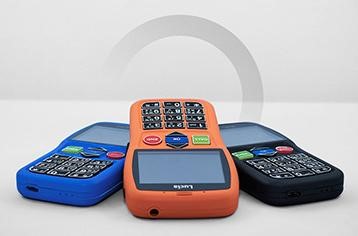
Three Lucia cell phones in blue, orange and black on white background.


Let’s get to the device features — wow for a non-smart cell it is jam packed!  To start, the phone has an amplified speaker for individuals with hearing challenges that need a boost.  Other accessible and helpful features: an SOS button, an audio guide for visually impaired users, talking watch, accessible buttons and premium speakers for clarity.  Finally, I would like to mention the overall design of the phone it is pretty sturdy, appears very well built and looks like it could withstand quite a few falls/drops.
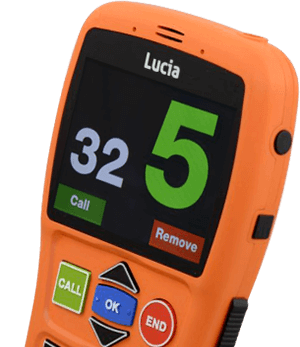
Close up of orange Lucia phone.  Screen has large display and colorful big, buttons.

My personal experience, I was fortunate enough to have the opportunity to tryout a demo model of this phone a few months back and despite it being extremely basic in design, it was terribly pragmatic.  For the intended target audience, I feel that Lucia is a great non-smart solution as it is easy to use, requires minimal programming, and next to nothing set up time.  I love the nice clear speech output from the keys (and the audio guide), the easy to press buttons, the large view-able screen, and the overall accessibility of the cellphone.

Finally, this is definitely a helpful phone for individuals with certain conditions and/or seniors.  Overall I think this phone is a winner, especially for those folks that don’t want to go the smart-phone ‘route.’
iOS 13 Accessibility

Hey guys,

Today marks the 29th anniversary of the Americans with Disabilities Act (ADA).  This landmark civil rights legislation prohibits discrimination against people with disabilities in the public arena.  

It’s been a busy and important week so far, but I wanted to bring you some exciting information on Apple’s continuation and further development of accessibility supports through the upcoming iOS 13.  Well, after spending more time using the beta iOS — I have really enjoyed several of the new accessibility features, especially the supports for motion sensitivity (potential migraine and seizure trigger) and color blindness supports. 

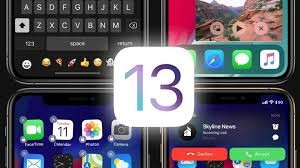
Four iphone screens with the number 13 in center of picture

The latest motion sensitivity feature can be selected within the iOS setting menu.  Users will have the choice to stop auto-start videos that contain parallax images, strobe light effects or other potential motion triggers. Next, we will see the introduction of ‘cross-fade transitions’ which will occur when users try to switch between apps.  The ‘new transition’ will be less visually jarring for the end user and less likely to trigger a migraine or seizure. 

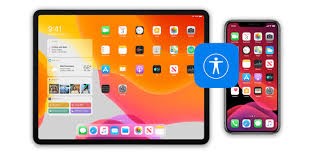
Close up of ipad screen on home page with icons.

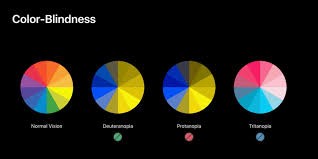
Improved color blindness supports will be a big feature for the latest iteration of iOS.  The new color blindness features should allow the end user to select their color blindness disorder and the operating system will then make adjustments throughout the respective GUI. 

Four color charts on black background showing color contrast options.

The new accessibility features will be available on compatible iPhones and iPads.  All of the accessibility features detailed in this blog post will be available within Apple apps and some third party (if the author opts to use the latest API).  If you have had a chance to try out the latest public beta and these respective features, please drop us a comment below!

Thanks for reading,

Andrew


OrCam MyReader 2

Hey guys, this week I am going to be chatting about the OrCam MyReader 2 and my
initial impression. Well, I was at an accessibility event not so long ago and I was
fortunate enough to have the opportunity to demo this device. After my demo I had a
chance to chat with their sales consultant and also spend some time digesting the
available literature/media resources on this very cool product. Well, the OrCam
MyReader 2 is designed for individuals with low vision, blindness and I would say those
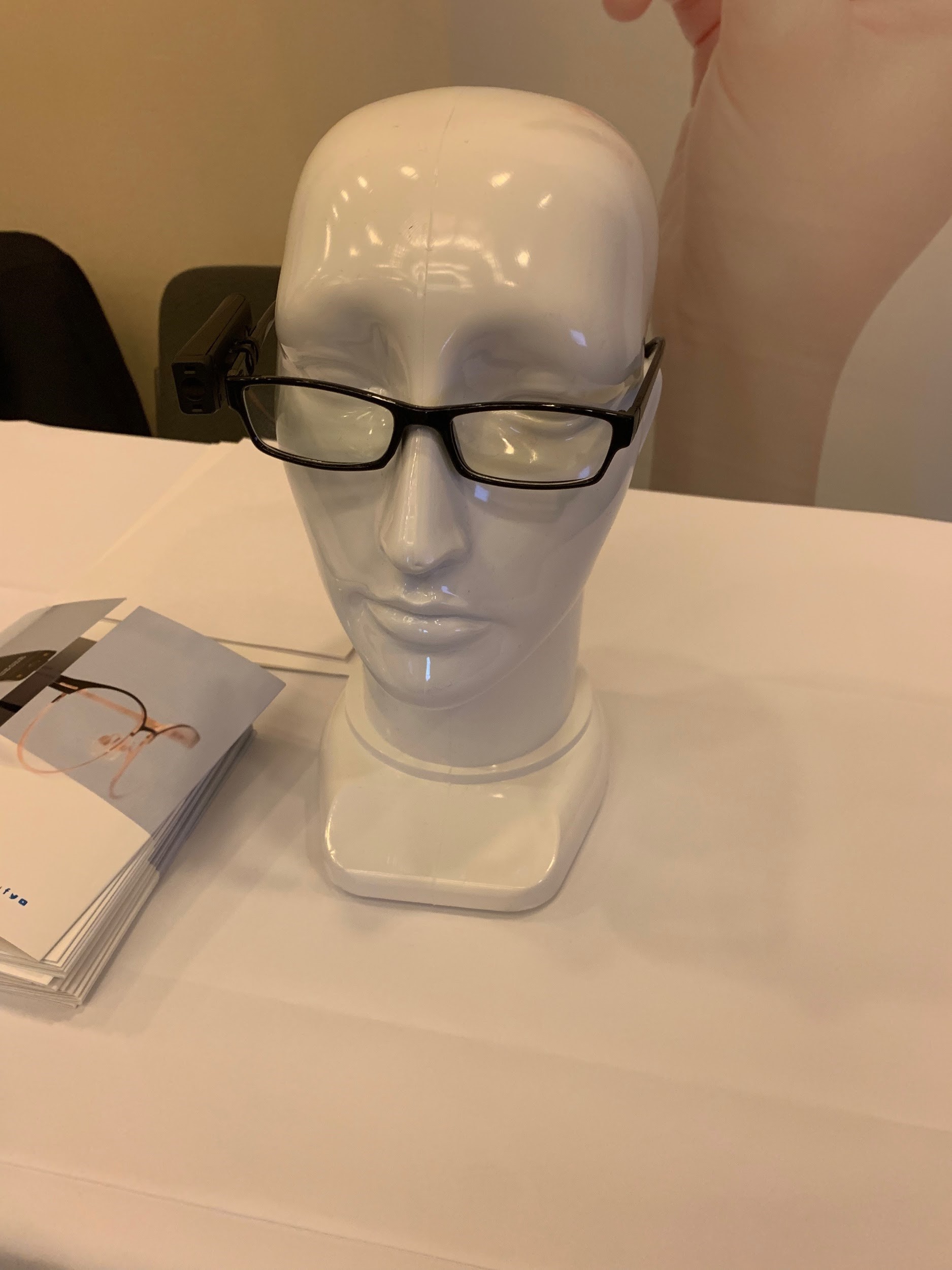
with a range of visual challenges/disorders. The device is mounted on the wearer’s
glasses and provides the wearer with a whole range of supports that would typically be
available with much larger devices.

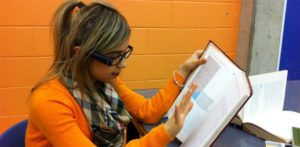
Girl reads book using OrCam wearing glasses.

To be honest, what I feel is immediately apparent is the foci of the device (providing access to the environment via OCR with text to speech output) is quite different from the other low vision/blindness devices as it doesn’t attempt to be a video magnifier — it’s not trying to rival the other manufacturers that produce the other low vision smart wearables.  Instead, OrCam has focused on creating a compact, lightweight device that sits on the user’s glasses and allows them to easily access text in their environment not just text immediately in front of them either like book.  

Close up of head mannequin with glasses on.


The OrCam is stacked with features but everyone is insanely valuable such as almost instant OCR to clear speech output, lightweight design, easy to use with simple hand gestures performed in front of your face and the most useful feature it works without a wifi connection!!  During my brief demo, it worked beautifully to read out aloud the sign I was standing next and other demonstration materials I was offered.  I wanted to see how it would work with my reading cellphone — it worked flawlessly as I composed an email, re-read a text message and skimmed a PDF on my cellphone.  Overall, I am extremely impressed with this device and I would definitely recommend this bit of kit!

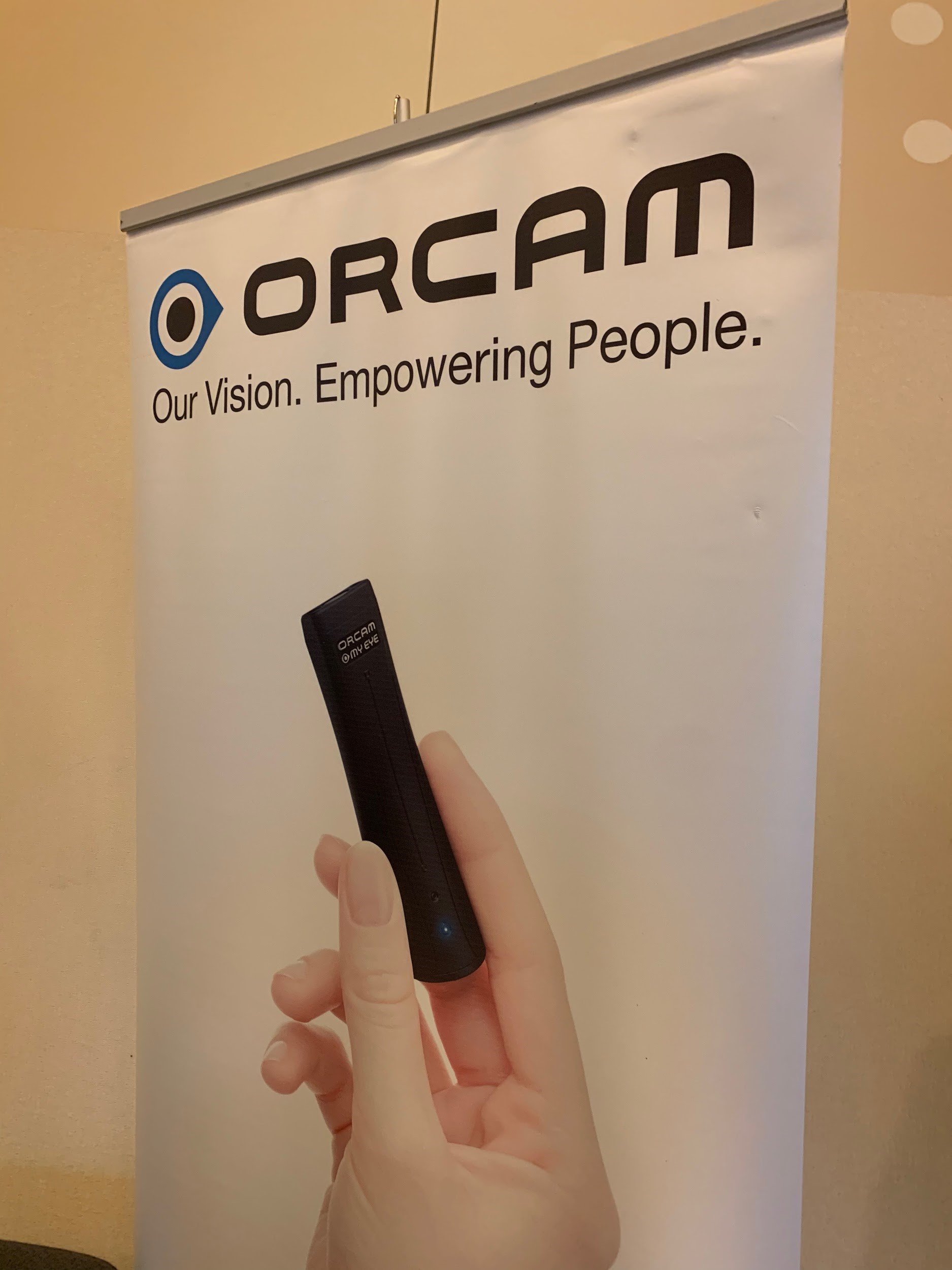
Close up of OrCam poster.  Says "ORCAM, Our Vision.  Empowering people.  Shows a hand holding device.

Thank you for reading,

Andrew

Hi Guys,

I hope this blog post finds you all having a great week!  Well, this week’s blog post is a little different from normal.  Instead of highlighting a new product, service or one particular company’s work in the field of accessibility — I am instead sharing out a collation of absolutely fantastic resources that explains smart home options for seniors including automation. This resource is pragmatic and written in a non-techy manner so readers of all levels of technological savviness will be comfortable digesting the content. 

cartoon showing house with smart home device under it connecting to a clock, lightbulb, mailbox.

I really love the format of the Smart Home blog; in particular the way it carefully categorizes the potential tools/devices into areas of the home.  The first area covered is the front door/entrance, next to the kitchen options, moving on to the dining room, then the living room and the bedroom.  I do like the neutrality of this blog and how it explains the smart home features that can be acquired to cover each area without plugging one particular product or manufacturer over and over like some blogs.  However, I do feel this resource could be a great teaching tool so folks get acquainted with the potential types of smart home technology.  After spending a little more time thinking, I do think this resource would be even more helpful if they included hyperlinks to some products instead of leaving the reader with another job of searching the web for a potential product to cover an identified need. 

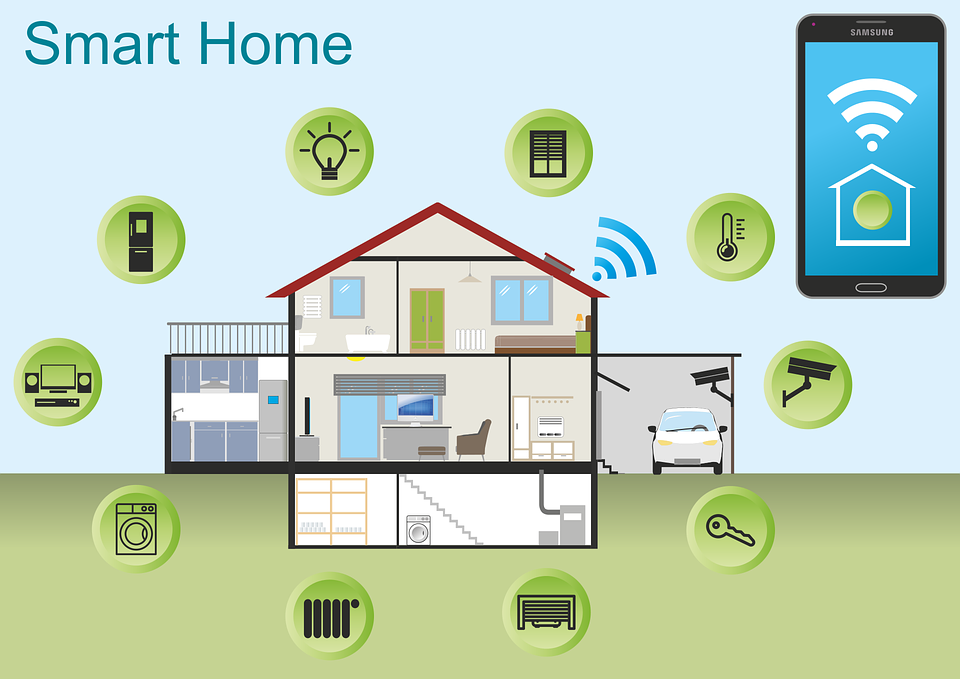
Graphic showing house in center with bubbles around it containing lightbulb, lock, key, computer, temp gauge.

Finally, what I do love about this blog is that it initially stresses that smart home technology can aid with aging in place.  Anyway, to get cracking and read more about potential smart home supports for seniors please click here.

Thanks for reading,

Andrew

Hey guys, I hope this blog post finds you all well!  The latest accessibility offering by Comcast is a really big result in the realms of accessibility and equal access.  I am so impressed with Comcast that a mainstream cable supplier is investing their resources to increase accessibility to their product line.  Specifically, Comcast have added a fantastic accessibility feature for those with significant motor challenges such as individuals with ALS in the form of integration of Eye-Gaze control of their cable box’s graphic user interface (GUI)!  The X1 Eye Control is not a physical device, it is instead a web-based remote that interacts with an existing eye control unit setup, a consumer already owns.  This eye control system works with either a tablet or a computer to remotely control the cable box setup.

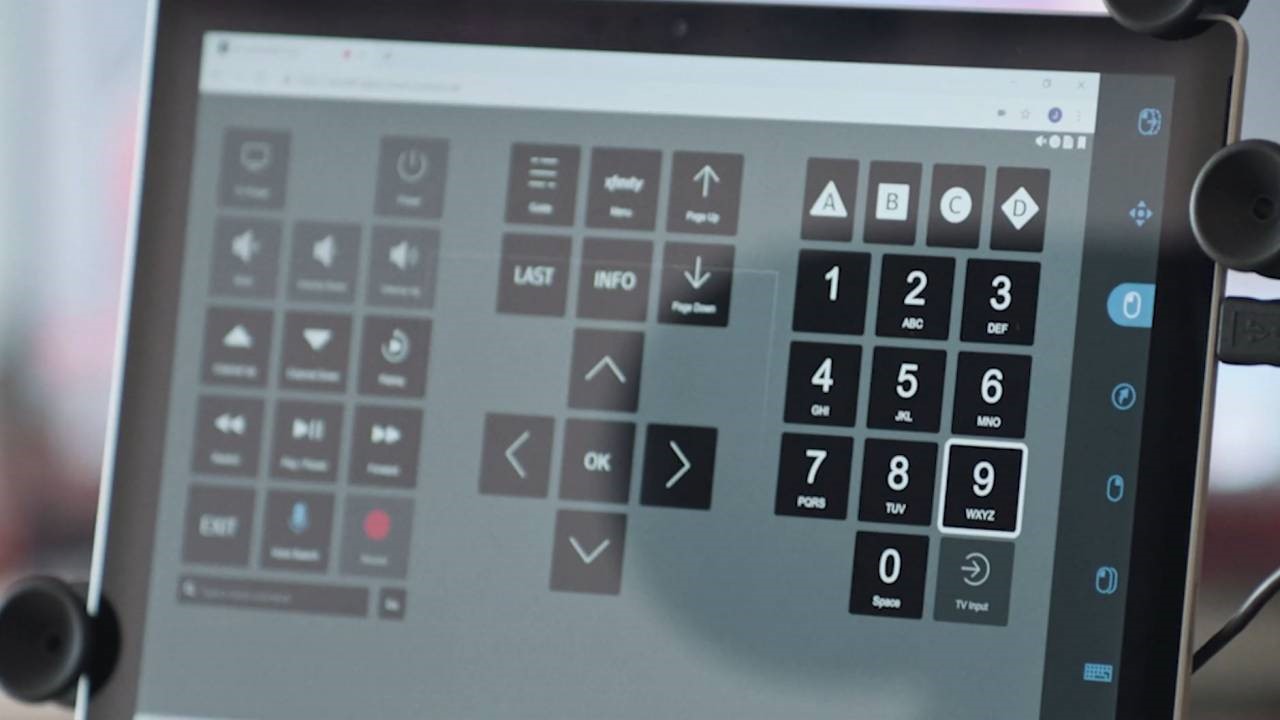
Close up of tablet with X1 app open


A YouTube video below shows an individual with significant motor challenges using the X1 Eye Control in conjunction with his current Eye Gaze setup to full interact with his cable box GUI with ease.

https://youtu.be/N2Mit1iQ9Qw

X1 Eye Control is provided to consumers at zero cost, and relies on the use of a web page remote that works absolutely seamlessly with existing eye gaze hardware/software setups, Sip-and-Puff switches and other assistive technology solutions.  End users can now change the channel, launch the in-system menus, record the next world cup game, set future recordings and much more!  In addition, the X1 Sports App can now be utilized so sports fans have real-time sports scores, stats right into their viewing experience.  The latest software update has a comprehensive accessibility menu that also includes closed captioning, video descriptions and voice guidance. Finally, ‘voice commands’ for fast searches can now be typed out using a consumer’s eye gaze without the need to speak!

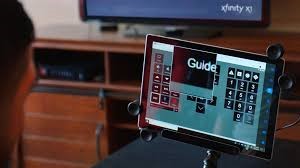
Close up of computer with X1 app open using guide features


Overall, I am so excited to see that Comcast is working hard to provide access to their products for all users with and without disabilities.  I am hoping the other cable and satellite providers also spend their resources to create similar accessibility features for their respective GUI.

Apple Worldwide Developers’ Conference (WWDC19) Apple macOS & iOS

Wow, what can I say, WWDC19 was jam packed with exciting news and I am so excited to learn about the new macOS and iOS feature, ‘ Voice Control.’  I have literally not slept well with the excitement bubbling for the release of this new accessibility feature.  ‘Voice Control’ is an absolute game changer for macOS and iOS — it is going to revolutionize the way individuals with fine motor challenges interact with their Apple Products.

WWDC19 logo of robot head with parts flying out. Black background

Later this fall, a new iOS and OS update will occur and ‘Voice Control’ will arrive for consumers across the globe.  This feature will allow the end user’s voice to navigate, dictate and work your devices in a completely new way.  With macOS Catalina, Voice Control lets the user who is not able to access traditional input devices to control Mac and iOS devices entirely with their voice!!!!! 

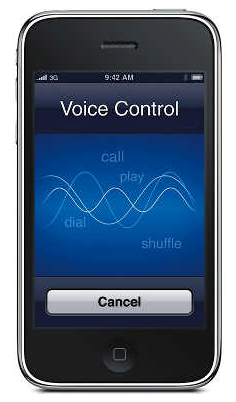
Close up of iphone with Voice Control on screen.

I am so excited to see the possibilities of the latest accessibility feature.  It’s basically like the old Voice Control on steroids!  Currently, I am thinking of all of the possibilities of using this new accessibility feature with individuals with limited or no upper limb control.  Again, thanks for reading and I look forward to the release of the ‘new’ Voice Control!

~Andrew

« Newer Posts - Older Posts »

MDTAP | 2301 Argonne Drive, Room T17 Baltimore, Maryland 21218| Voice: 410-554-9230 Toll Free ⁄ Voice 1-800-832-4827|Email: mdtap@mdtap.org