Feed on
Posts
Comments

Welcome to more ARIA content.  This post focuses specifically on aria-live regions, which announce dynamic content in conjunction with Javascript.  The most common use of this tool is in forms that change based on user inputs. 

The aria-live attribute itself has three settings: off, polite, and assertive.  By default, elements are assumed to have aria-live=off applied to them, unless a specific role that uses it, such as alert, is present.  Aria-live=polite is probably the most common use of the attribute; it waits for a user to pause or complete their action before announcing the dynamic change.  Assertive will interrupt anything the user is currently reading; generally, this should only be used for critical information such as a timeout.  Note that this attribute can applied to different elements to accomplish different purposes.  W3C provides an example of it being used as an alert on a <p> tag (https://www.w3.org/TR/WCAG20-TECHS/ARIA19.html) to provide feedback about errors in a form.  Mozilla provides an example of a <div> having the attribute, announcing content based on a selection from a <select> field (https://developer.mozilla.org/en-US/docs/Web/Accessibility/ARIA/ARIA_Live_Regions). 

Note the differences in the ARIA attributes present. W3C’s example uses role=alert but does not have aria-live on <p> tag as well.  This is because the alert role has this functionality integrated in it.  If you wanted to achieve the same effect without using that role, you would add aria-live=assertive along with a different role, such as region which creates a landmark for users to know this information is important.  Other roles that have implicit live announcements are log, status, progressbar, marquee, and timer.  Most of these use aria-live=polite by default.

A couple other ARIA attributes that tie into this are aria-atomic and aria-relevant.  Aria-atomic, which uses true or false as its value, decides if the content provided is announced as a whole or just the parts that have changed.  In the W3C example, it is set to true which means everything that appears in that <p> tag is announced together.  If it was set to false or was not present, only new information that was injected (such as a new error) would be announced the next time it was read.  Aria-relevant instead looks to the types of changes made to determine what is announced.  It uses the values additions, removals, text, and all.  In the linked Mozilla example, further down that page is an example of “additions removals” being used to announce changes in a list of users logged into a system.  In this scenario, both values are present in the attribute so both filters are used.  Remember, for attributes such as ARIA, class, or ID, spaces are separate values (i.e. class=”table row” is actually class=”table” and class=”row” being applied to a single element). 

Aria-live is a bit trickier than other attributes since it relies on content to change in a page and you’ll need to determine how best to bring that information to the user’s attention.  As stated before, assertive should really only be used when information is critical because it’s time-sensitive, a security issue, or a similar reason.  For the most part, rely on polite.  Lastly, make sure your Javascript is injecting content into the right region; you will likely need to use unique IDs if you are separating out areas for different dynamic content on a page. 
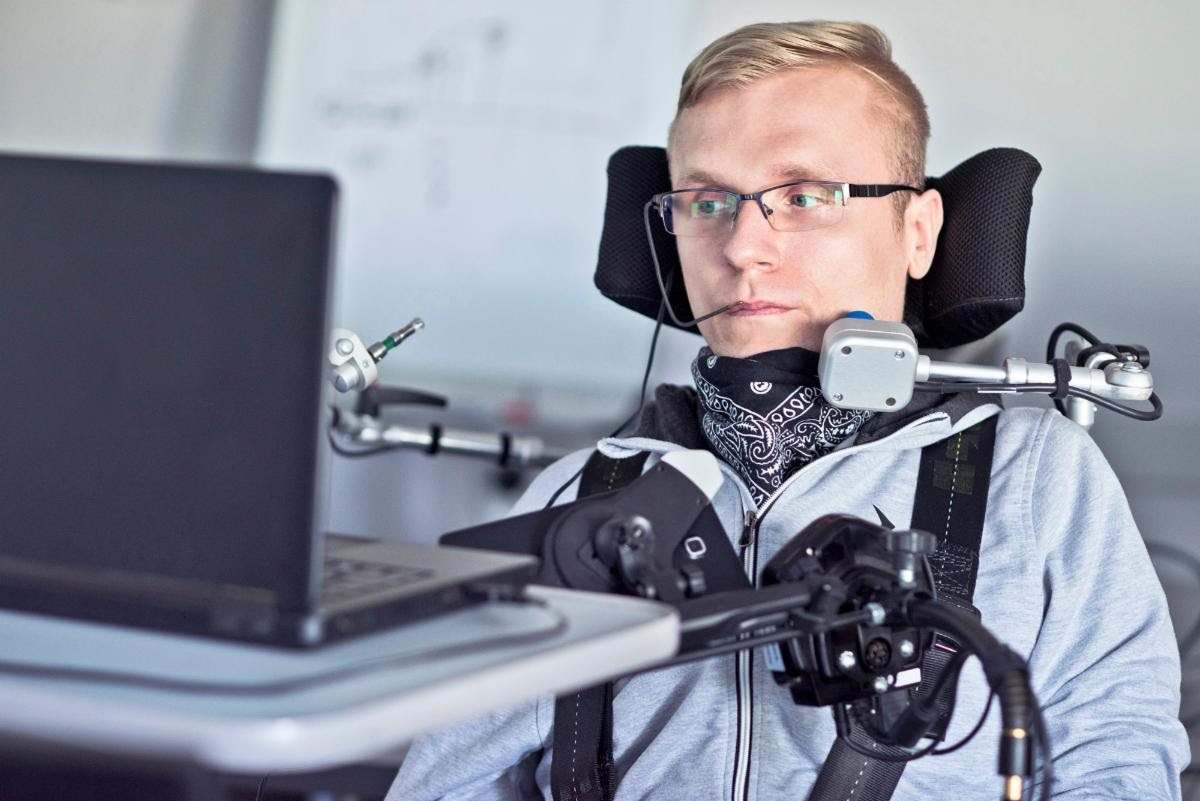
Man with blonde hair and glasses uses a laptop from his wheelchair. He has an adapted computer mouse mounted to his wheelchair .

The ARC is launching a FREE new Virtual Program Library to provide people with easy access to on-demand activities that can be done from home. There are lots of options geared towards people with disabilities and those in their families and communities, as well as resources for service providers to facilitate and provide live remote programming. 

Participate in making the Virtual Library as robust an useful as possible by taking the following survey- let the ARC know what resources you want to see included! 

CLICK HERE to take the survey- it should only take about 10 minutes. The last day to complete it is August 23, 2021.

Thanks for your help!

We learned about the Morphic tool from the Disability Scoop newsletter.  This tool allows easy access to accessibility features and assistive technology by creating a user interface “toolbar” that connects to each of these features.  Essentially, it works similar to a password manager; each button on the toolbar turns on or off or customizes settings found in the accessibility features of your OS and any assistive technology you use, such as a screen reader or magnification.  It also connects to Morphic’s account server, letting you migrate your setup to other computers. 

The Plus option lets you customize the toolbars, so you can have the options you want and take them with you to any machine, similar to things such as your Google account or Firefox account.  For businesses, there are the same levels for enterprise accounts: free and plus.  Much of the options for the enterprise level consist of system integration and support. 

To find out more about the tool or to try it yourself, visit their site at https://morphic.org/.   

Equipment Connections for Children is hosting an Adaptive Toy Workshop this November! This workshop will teach health professionals and caregivers how to convert a toy requiring fine motor skills into an adaptive toy that children of any ability can operate, by demonstrating how to install a switch cable to a toy that can be used to plug in a variety of alternative switches, buttons, and and/or pressure pads. Participants will learn by adapting a toy provided by ECFC and will go home with the toy and the switch at the end of the session, a $100 value! Continuing Education Units are available for this workshop. 

The workshop will be held on Saturday, November 13, 2021 from 1 pm until 4 pm at ECFC’s new office space at 7125 Riverwood Drive D1, Columbia, Maryland.

Equipment Connections For Children is a small nonprofit serving Maryland, DC, and Northern Virginia by sourcing costly adaptive pediatric equipment, refurbishing that equipment, and then giving it to kids with disabilities who need it, free of charge. This semiannual event raises funds for ECFC’s programs and is a part of the Kids Connect Program that seeks to provide opportunities for learning and exploration for kids with disabilities, and community building and networking for their families.

Colorful Toothed Wheels

Logo

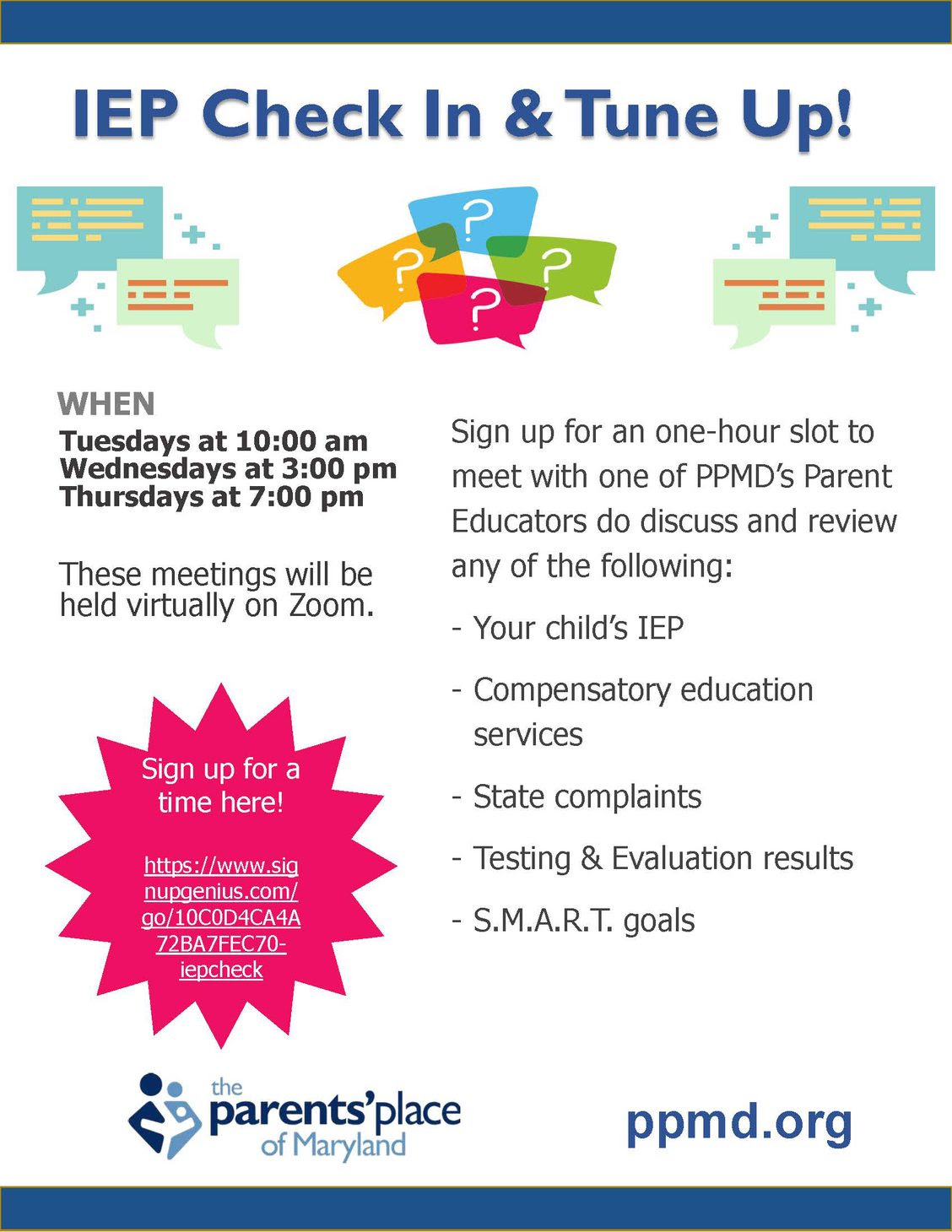
Virtual IEP Check in & Tune up

Sign up for a slot here!

IEP Check in and Tune Up! When: Tuesdays at 10am, Wednesdays at 3pm, Thursdays at 7pm. These meetings will be held virtually on Zoom. Sign up for an one-hour slot to meet with one of PPMD's parent educators to discuss and review any of the following: your child's IEP, compensatory education services, state complaints, testing and evaluation results, S.M.A.R.T. goals

IEP Check in & Tune Up!

When? Tuesdays at 10:00 am, Wednesdays at 3:00 pm, Thursdays at 7:00 pm.

These meetings will be held virtually on Zoom.

Sign up for a one-hour slot to meet with one of PPMD’s Parent Educators to discuss and review any of the following:

  • Your child’s IEP

  • Compensatory education services

  • State complaints

  • Testing and evaluation results

  • S.M.A.R.T. goals

Sign up for a time here: https://www.signupgenius.com/go/10C0D4CA4A72BA7FEC70-iepcheck

Logo

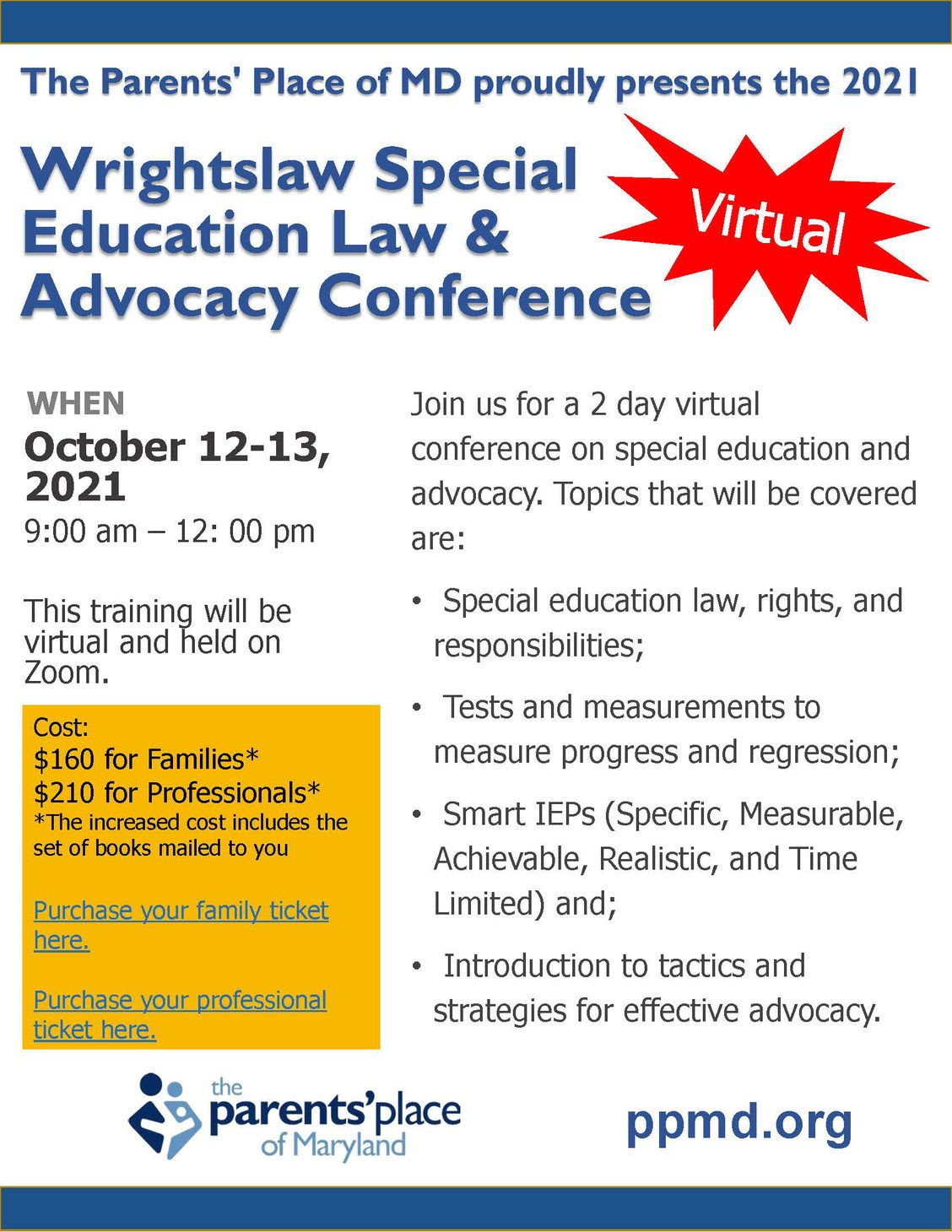
2021 Virtual Wrightslaw Special Education Law & Advocacy Conference

The Parents’ Place of Maryland proudly presents the 2021 Wrightslaw Special Education Law and Advocacy Conference. Virtual!

When: October 12-13, 2021, 9:00 am – 12:00 pm.

Join us for a 2 day virtual conference on special education and advocacy. Topics that will be covered are:

  • Special education law, rights, and responsibilities;

  • Tests and measurements to measure progress and regression;

  • Smart IEPs (Specific, Measurable, Achievable, Realistic, and Time Limited) and;

  • Introduction to tactics and strategies for effective advocacy.

This training will be virtual and held on Zoom.

Cost:

$160 for Families*

$210 for Professionals*

*The increased cost includes the set of books mailed to you.

Purchase your family ticket herePurchase your professional ticket here.


« Newer Posts - Older Posts »

MDTAP | 2301 Argonne Drive, Room T17 Baltimore, Maryland 21218| Voice: 410-554-9230 Toll Free ⁄ Voice 1-800-832-4827|Email: mdtap@mdtap.org