Contributed by Lori Markland, Director of Communications, Outreach & Development, MDTAP
One of Shaniece Young’s first tasks as a teaching assistant in the 3D Printing and Entrepreneurship class at
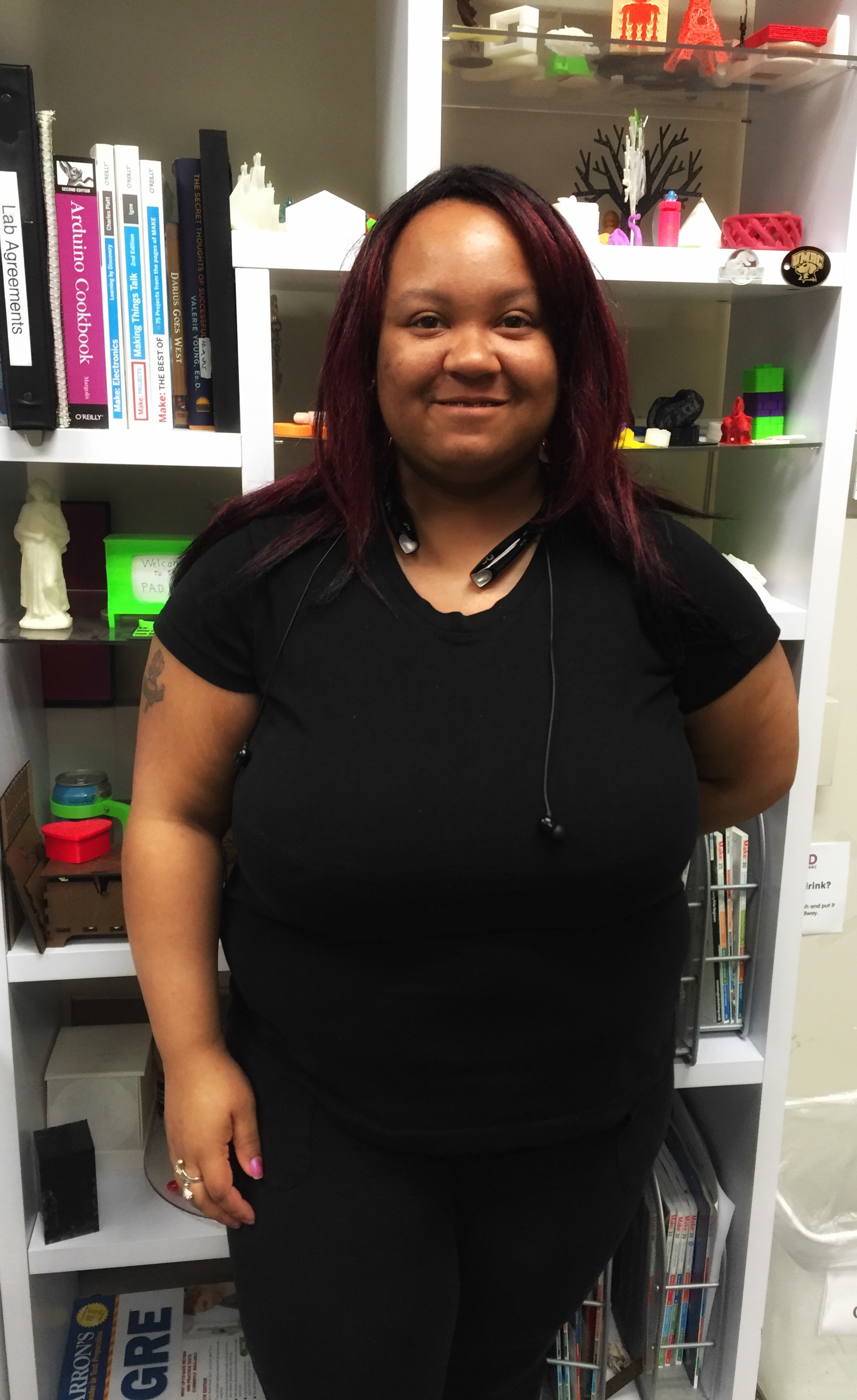
Shaniece Young
UMBC was to draft a list of gadgets that she thought useful for students to learn to print on their own. It is no small task to identify a range of useful items that will help students learn both the technical and conceptual components of turning printed “things” into marketable products. And considering that the class combines students from SUCCESS (a post secondary education program for students with intellectual disabilities) with traditional track undergraduate students, Shaniece feels a personal need to do a great job, for herself and her peers.
The class, taught by Erin Buehler, offers students the opportunity to become 3D designers with an eye on self-employment. For twenty-seven-year-old Shaniece, who has Downs Syndrome and is finishing her senior year in the UMBC (University of Maryland Baltimore County) SUCCESS Program, the opportunity to help teach her peers has been rewarding. “I think about what the students should learn and then what will be useful for them,” she says. Along with teaching-support, Shaniece has helped students navigate Thingiverse for creative ideas, draft designs in Tinkercad, and execute those designs by operating the 3D printers themselves, “I want to do a good job and I want my classmates to think this is great.”
Assistive technology, by definition, is any device that helps someone with a disability live, learn, or work more independently such as items that help people speak, write, hear, see, and more. This can range from complex communication devices (think Stephen Hawking and how he communicates) to much smaller, more tangible items, like large-handled silverware for someone with tremors or tactile overlays on 
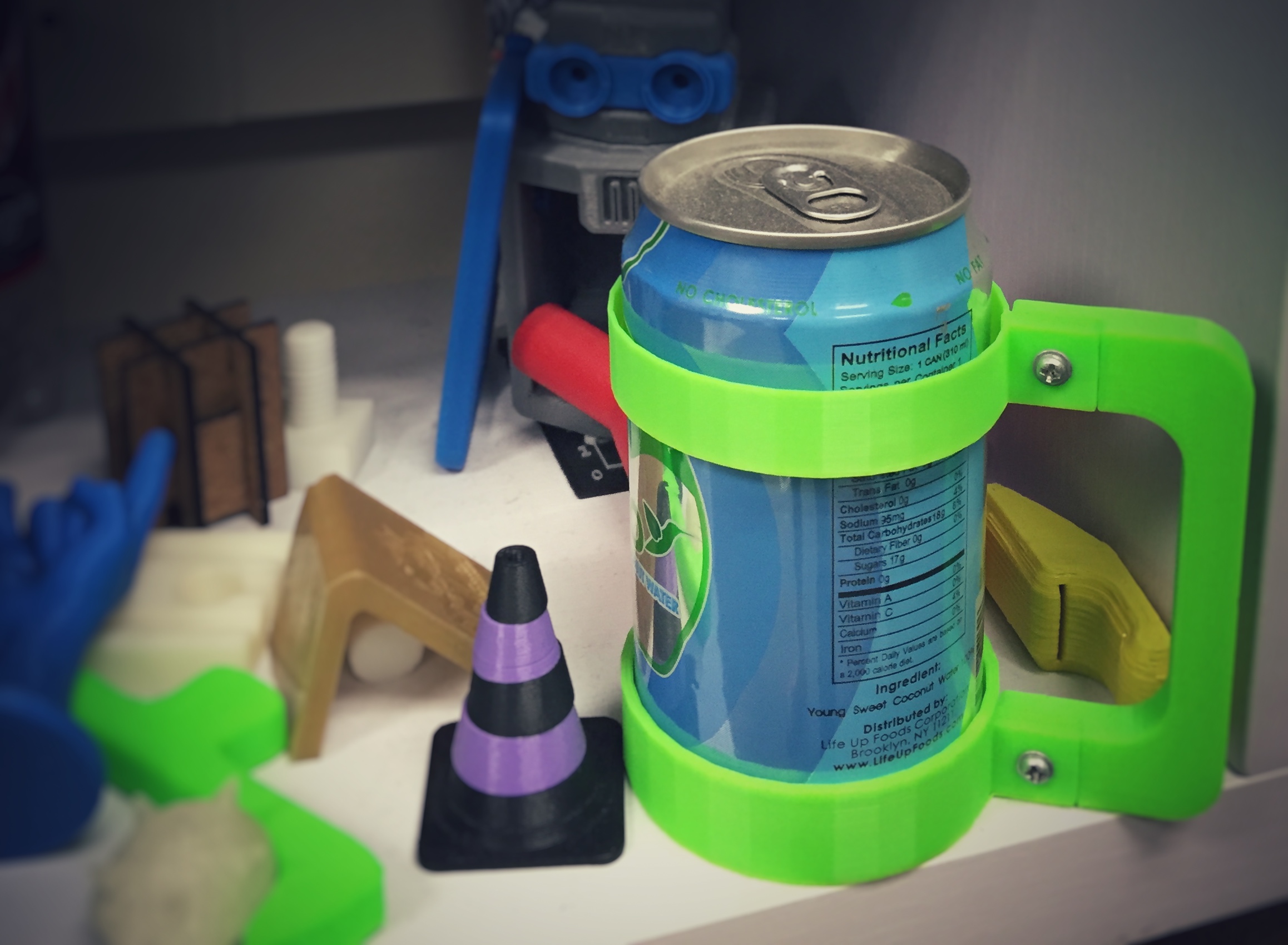 touchscreens for someone who is blind. For Professor Buehler, 3D printing and lasercutting is a way to offer customized, inexpensive AT solutions, “the fact that one can create a completely bespoke and very robust product in a matter of days for a few dollars in materials is an amazing win compared to the cost and time constraints of the current delivery model. Helping people to see 3D printing as an option for AT designs is great… Once you show people what can be done and how they can access the tools, the sky’s the limit.”
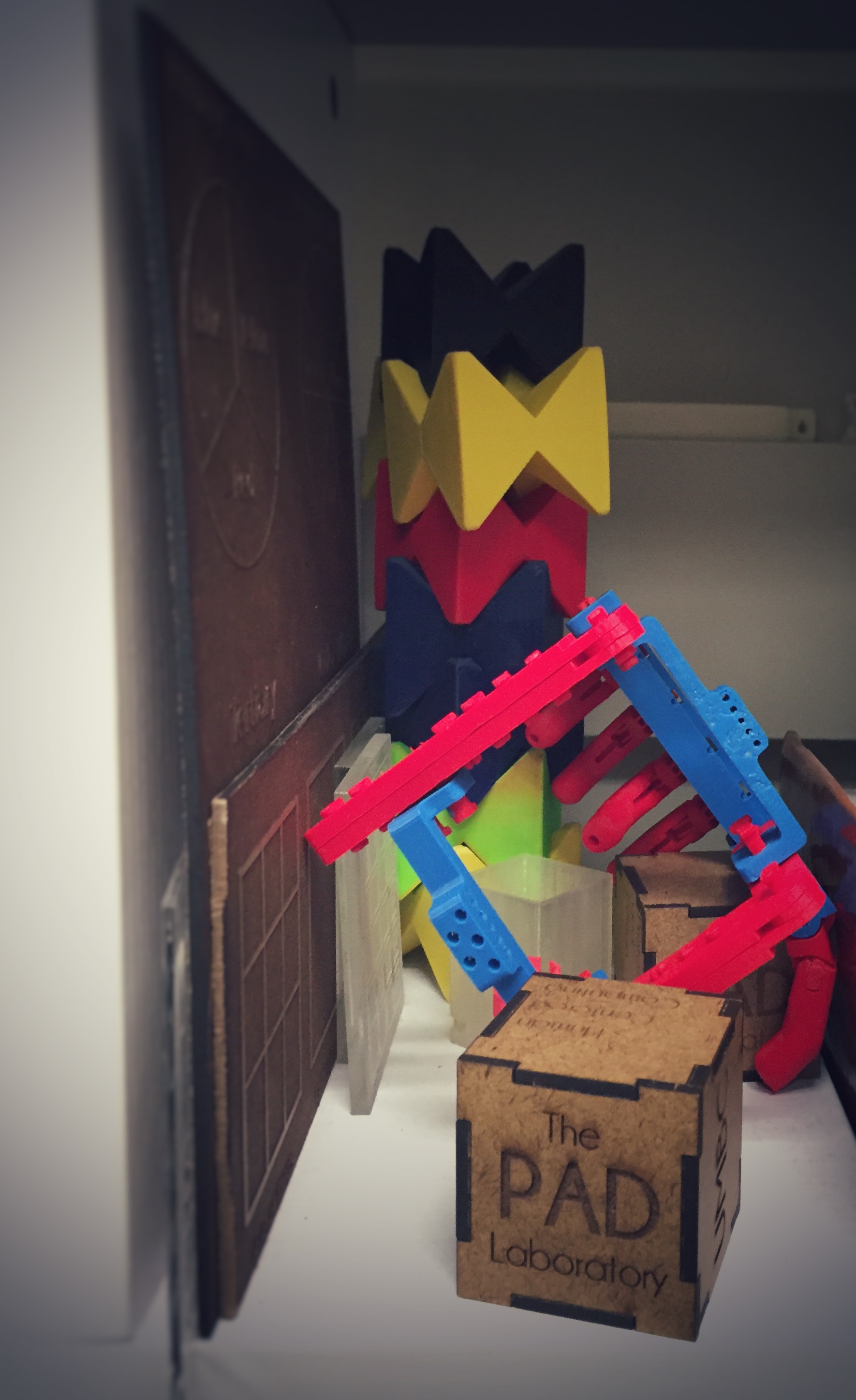
And a visit to the PAD Laboratory (UMBC’s 3D printing lab used by students and teachers) certainly reflects the program’s interest in AT and its commitment to providing SUCCESS students the concrete skills to become 3D designers and entrepreneurs. In the face of an often complex and slow service delivery system for obtaining AT, the do it yourself spirit in the PAD drives custom designs. This creative spirit also helps students learn to collaborate with each other, solicit customers from the campus and local community, and take an idea from design to production. And although the 3D printing machines are still 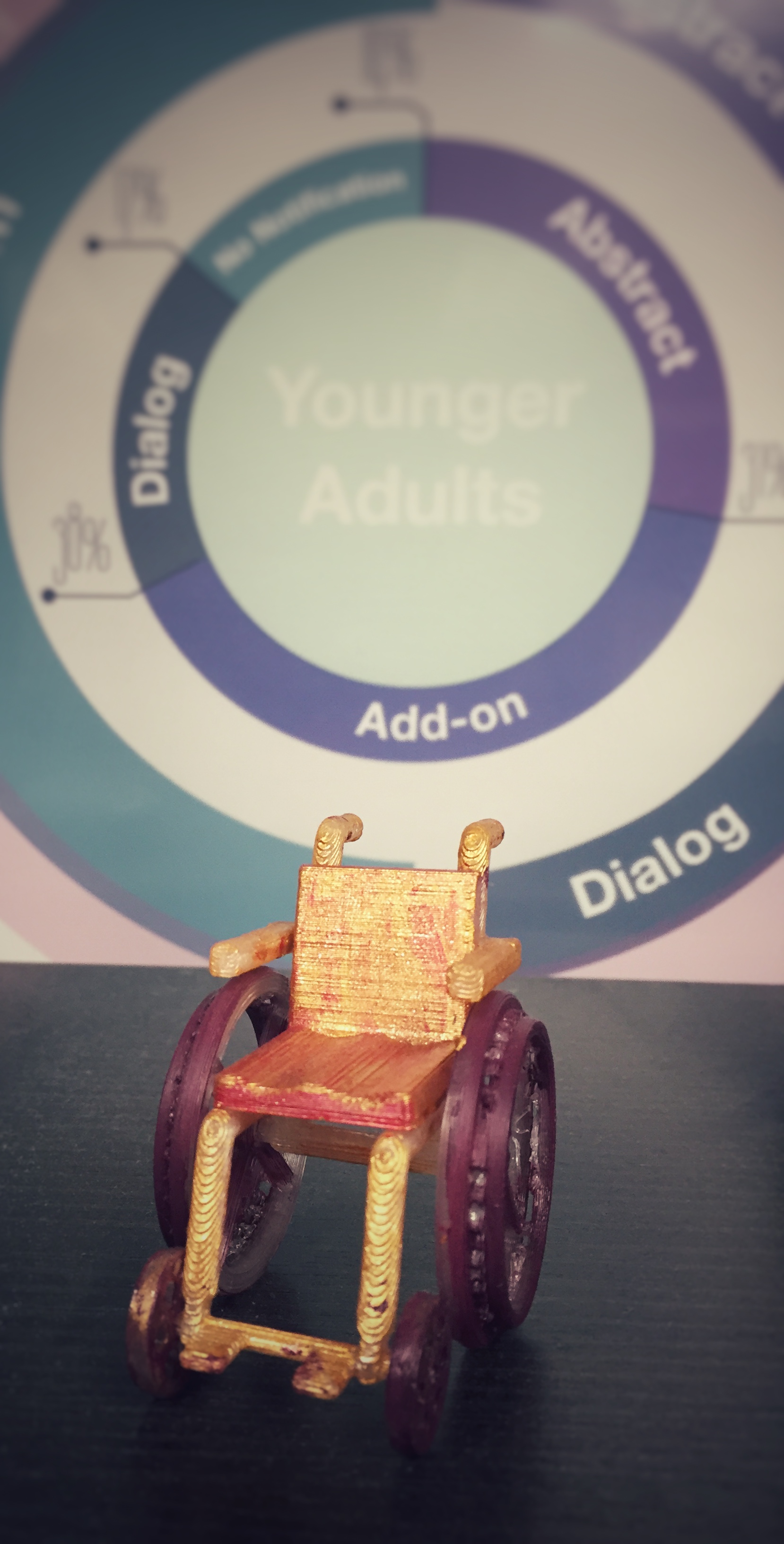 fairly expensive, the software experience and technical know-how will undoubtedly align the SUCCESS students at the forefront of this field as they forge their way into the workforce and entrepreneurship. For students like Shaniece who have a first-hand understanding of assistive technology combined with the learned knowledge of entrepreneurship, college courses like this one will make it possible to find meaningful work when she graduates in May, “I want to graduate and do something good.” There is no doubt Shaneice and her classmates are armed with the most current tools to make that happen.


